
If you want to turn your Android Smartphone or tablet into a tool for navigation and the default map apps are not enough to help you find your way, you will be happy to know that there is a wide range of apps that offer you advanced GPS navigation options.
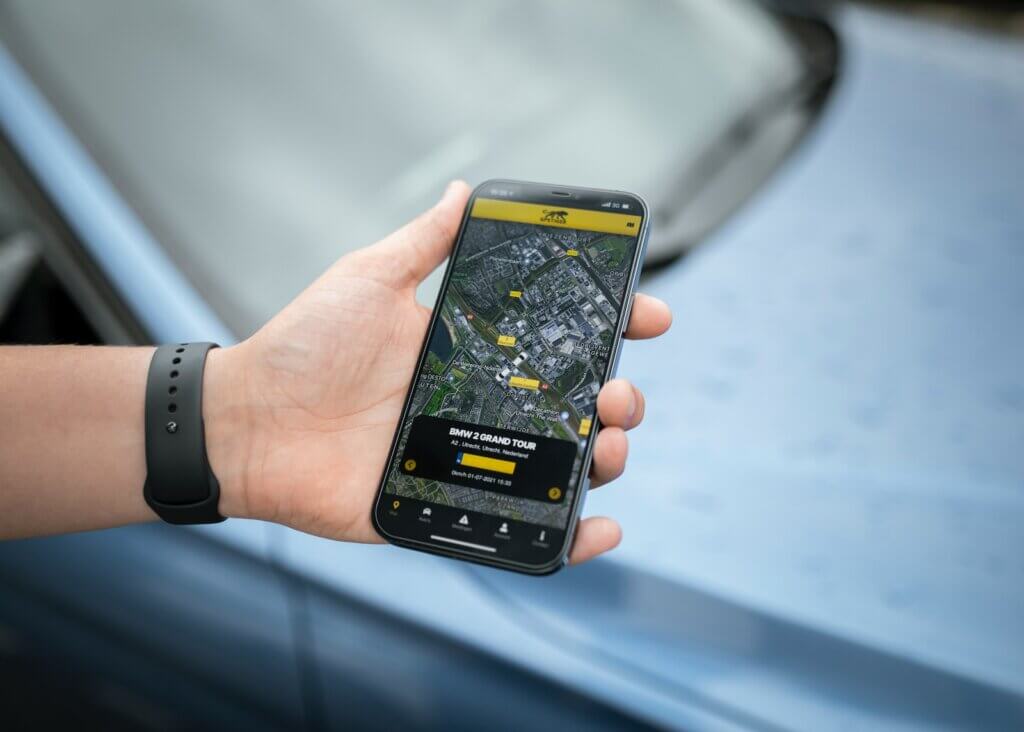
The apps in our list are the best solution for users needing a reliable tool to reach their destination. Here are the most trustworthy apps that you can get to make your driving easier.
GPS Navigation & Maps by Sygic
Sygic’s GPS Navigation & Maps is the most popular offline road GPS navigation app in the Play Store, and it is easy to understand why. This app powered by TomTom Maps is a reliable navigation solution for users worldwide, and the internet is not needed as it works with GPS only. Sygic’s app lets you access high-quality TomTom maps offline for countries worldwide. You will also enjoy route planning and map updates.
If you upgrade to their Premium version, you get 3D maps, a voice navigation system that guides you through every turn, and you can get suggestions for alternative routes instantly. It also notifies you of speed limits and warns you about speed cameras, sharp curves, roadblocks, and other things you need to be aware of, such as SOS assistance available near you. It allows you to search for addresses, postal codes, and GPS coordinates and share reports of road incidents with others.
Google Maps
Everyone has heard about this top-rated Android GPS Navigation app, which counts over 500 million users worldwide. For many, Google Maps sets the bar for mobile navigation apps thanks to its easy-to-use interface and multiple views option, which includes satellite and ordinary maps. With Google Maps, you can enjoy maps from around the world and find your location on the map quickly. The app uses multiple navigation modes, including walking, cycling, or driving.
With Google Maps, you can save a place on your Android mobile device, upload it on the map or view them offline. It is also possible to customize the navigation to avoid highways, see a list of possible routes, and get road incident reports. Google Maps stands out from other GPS navigation apps for its easy-to-use interface that lets you get different views, zoom in and out with one touch, and offline access to the places you have browsed through the map, as they are saved automatically.
Waze
Waze successfully combines a traffic navigation system with social networking features. You can customize your avatar and start contributing and sharing traffic updates, road incident reports, and maps with other users worldwide. The app begins collecting data when you have it open while you drive, sharing real-time traffic and road information with other members of your local Waze community. Waze also helps you plan routes and share with friends when planning a trip together to the same destination.
With this free app, you can get helpful information about places in your area through the Waze community and enjoy the AI voice guided navigation feature. You can connect with others through Facebook and Foursquare and share your location. In summary, Waze is a fun and interactive way to find the correct route to your destination or to stay up to date with what happens on the road.
MapQuest: Maps, GPS & Traffic
If you are looking for a wide variety of options and exclusive features, you should look at this app. It allows you to use your voice to search for destinations and places. That way, you can keep your attention on the road while driving. It offers accurate maps, and if you have an internet connection, you can share your current location with others via social networking sites, which is handy in case you are lost and need directions or assistance. The data about road accidents is updated every five minutes, and you can even get information about fuel prices.
Other exciting features include OpenStreet Map, Traffic updates, route optimization, and international and satellite maps. The traffic situation along the route is considered when you get details for an alternative way, and you can adjust your selection whenever needed.
Maps, GPS & Traffic from MapQuest.
CoPilot Live Premium
You can get the version of CoPilot Live Premium that suits your location, as they offer specific apps for each continent. It offers offline maps of your region, which are stored on your Android device, so you can access them even if you don’t have an internet connection. It also features turn-by-turn voice guidance with technology that translates text to speech. You can also customize your route based on the type of vehicle that you are driving.
CoPilot Live also monitors live traffic to offer updated information and is suitable for navigation while driving or walking. It also provides alternative routes that reduce the time to get to your destination and 3D maps. You can also get re-routed immediately and share information via Facebook or Twitter. CoPilot makes navigation easier, and since it offers particular versions for each area, you can get more specific information.
OsmAnd + Maps & Navigation
This map and navigation app gives you access to global, high-quality OpenStreetMap data. It allows you to store it in the memory card of your Android device so that you can use it while you are not connected to the internet. The main features, such as routing, work with GPS, so you do not need to be online to use them. It also offers voice guidance, turn-by-turn navigation, instant re-routing, quick search, constant map updates, and quick search.
It also allows users to save places, find public transport stops, provide optional lane guidance, and display street names, and it also provides an estimated arrival time. It also has essential safety features such as a speed limit display and alerts when you exceed it, map zooming, and the option to share your locations with friends and family if you need their help.
BackCountry Navigator Pro GPS
This app allows you to navigate outdoors without paved roads or streets, making it a great companion for those who go on camping trips and need to find places when hiking, kayaking, or exploring the wild. It uses topographic maps, which display terrain using color and contours, making them the right guide for navigation off-road.
You can also enjoy GPS waypoint/coordinates input with latitude and longitude, trail maps to suit outdoor activities, geocaching options, and marine maps. If you are an explorer or hiker and need access to remote areas, BackCountry can be your guide.
MapFactor: GPS Navigation
MapFactor GPS Navigator is unique because this free turn-by-turn navigation app alerts you with sounds when you get close to speed cameras. It uses OpenStreetMap’s (the collaborative project to create a free updatable of the world) data, and since the maps are stored in your device’s SD card, you will not need the internet to access them.
It also offers GPS navigation in 2D and 3D modes, quick search, the possibility to save your favorite location or avoid routes, door-to-door route planning, quick search, and intuitive voice navigation guidance in multiple languages. Additionally, you can get an overview of upcoming route changes that you may have to apply and the distance to a certain point.
Wisepilot GPS Navigator
Wisepilot offers a navigation solution for your trip that can be customized according to your needs. You get free basic features and the possibility of bringing additional functions to create a navigation app that is right for you. The app is available in 25 languages, ensuring that it can be enjoyed by drivers worldwide. New users get free trial access to additional features for five days.
This efficient navigation app displays distance and estimated travel time with a 3D worldwide map and alerts you when a speed camera is nearby. You can share information about your travel with your friends, including location and arrival time. It is possible to download maps, and other navigation info can be stored in the cloud.
Maverick: GPS Navigation
This flexible app lets you use maps and GPS even when you do not have an internet connection. You can share your current location and planned position on social networking sites, sending your address, GPS coordinates, and link to Google Maps. The integrated radar shows the direction, distance, and estimated arrival time to a destination. This app is easy to use, and its accurate maps are automatically updated.
Maverick offers a wide selection of worldwide maps, as well as region-specific maps. Like other apps, it allows you to save places you visit, supports Foursquare, and enables GPS track in Google Earth. What makes Maverick a great option is the fact that you can navigate it easily.
What are some of your favorite GPS apps for Android phones? Let us know in the comments!