Small businesses face many challenges, especially since the COVID pandemic hijacked the world’s economy and changed the mode of operation in many organizations. Entrepreneurs with little to no cybersecurity knowledge have dealt with a sudden flood of security issues around securing remote access to company resources.
Unfortunately, small businesses will likely experience increased pressure to secure business operations. Employees work irregular hours and connect to company resources using different networks and devices. Even vendors are accessing company data at off hours, and a lot is going on without you being fully aware.
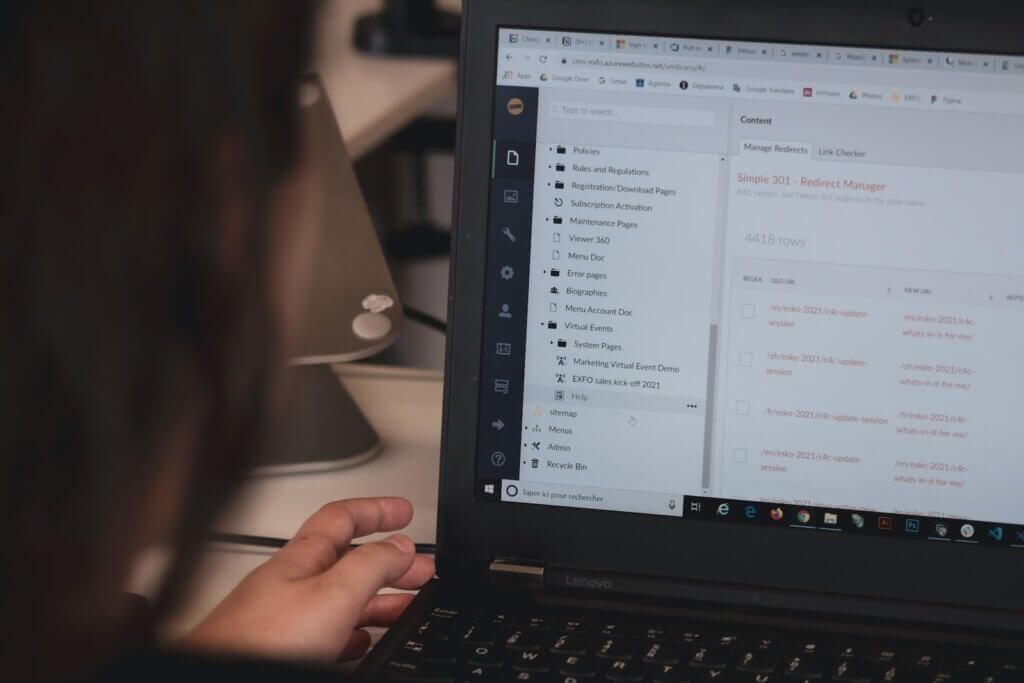
So, how do you maintain a high-security standard when critical players in your organization need to access company data remotely?
Below we’ll discuss secure remote access and how it can protect your business and employees.
What Is Secure Remote Access?
Secure Remote Access is a collection of security technology solutions, strategies, applications, and processes geared towards delivering secure access to digital assets. The concept prevents sensitive data from being compromised or vulnerable to unauthorized access.
Remote employees need access to their data without worrying about computer patches, network upgrades, and zero-day malware attacks. They need easy-to-use, secure hardware and software to work efficiently.
Managers want the same thing—the ability to communicate with their employees and track progress without becoming an IT expert.
As more people work from home, businesses must plan for secure remote access to company resources. Spyware, malware, zero-day viruses, and phishing attacks threaten worker productivity. It’s up to the business to provide a safe environment to work.
How Does Secure Remote Access Work?
Secure remote access works through software installed on the employee’s computer or mobile device that connects to the same software on the company’s servers.
Remote access software mirrors the target’s screen allowing you full access as if you were sitting in front of the server.
What Are The Kinds of Software Used in Secure Remote Access
Secure remote access entails a variety of technology programs and solutions to secure network resources.
Some of the widely known options are:
Virtual Private Network (VPN)
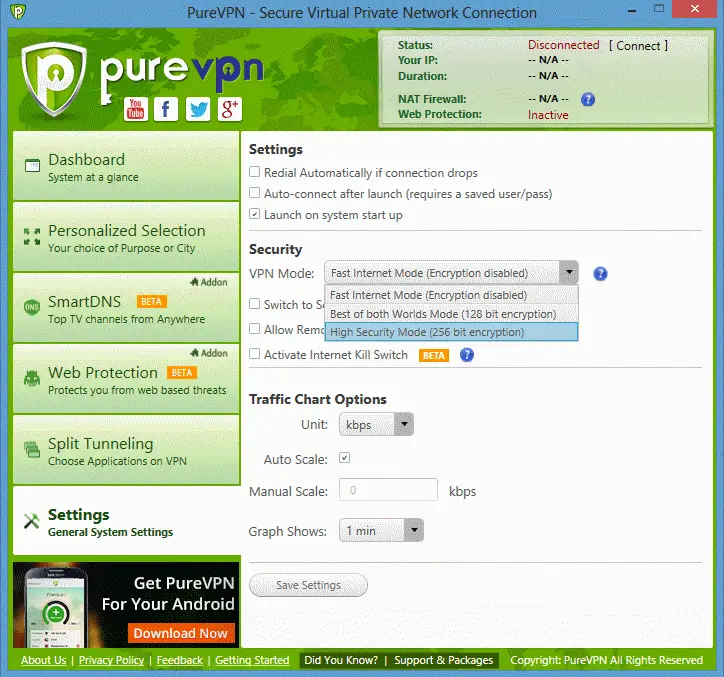
VPNs are the most widely used forms of secure remote access networks. A virtual private network encrypts the connection between two computers preventing Internet Service Providers (ISPs), hackers, and governments from viewing the data transferred. VPNs essentially disguise your location and identity online.
When the pandemic hit, companies that didn’t have remote work policies scrambled to implement VPNs to allow workers access to company resources from home.
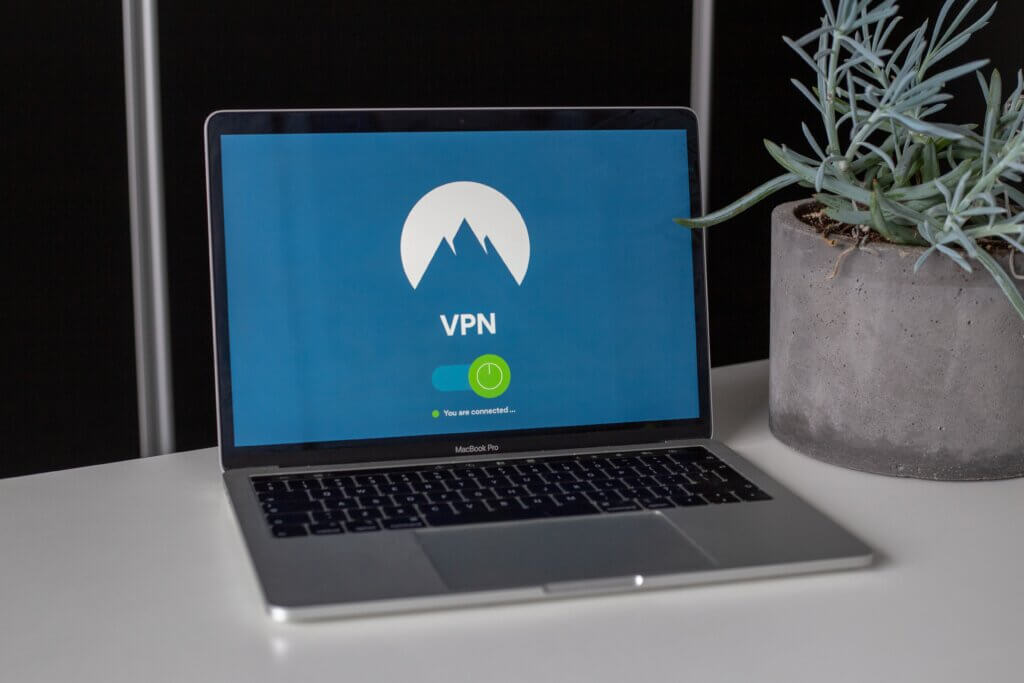
Most VPN tunnels are either remote or site-to-site.
With a remote VPN, workers open the software and connect with a username, password, and sometimes a two-factor authentication key. Once connected, the software encrypts their traffic to and from the remote computer.
A site-to-site VPN moves the encrypted connection to the company, branch, or network level instead of individual workers and computers.
For example, a site-to-site VPN connects entire offices and company branches, allowing employees to access shared company resources without connecting to a remote VPN on their desktops.
VPNs leverage multiple protocols to create connections, including:
- Layer 2 Tunneling Protocol (L2TP)
- Point-to-Point Tunneling Protocol (PPTP)
- Open-Source Virtual Private Network (OpenVPN)
- Internet Key Exchange version 2 (IKEv2)
Endpoint Security
Endpoint security is implemented through policies and software, encompassing multiple security access endpoints for desktops, laptops, mobile devices, IoT devices, and servers on a company network.
The primary purpose of endpoint security is to:
- Prevent unsafe programs from running
- Checking antivirus and firewall
- Ensuring patches are updated
- Securing data breaches or cache
- Zero Trust Network Access (ZTNA)
Zero Trust solutions take away inherent trust granted to devices, applications, and programs when accessing data. It ensures that authentication and authorization processes are in place before allowing access to a network.
Network Access Control (NAC)
Network access is controlled and managed through a combined process of authentication, security policy enforcement, and endpoint security measures. It’s often determined by an executive in the user’s department or by managers within the company. And it helps in restricting data access to users who do not need to implement tasks with the resources.
Single Sign-On (SSO)
With SSO, users can easily access resources and applications through their login credentials. They can access emails, corporate systems, and mobile devices with these credentials. It enables timely access to resources while allowing organizations to manage and control the login processes.
Privileged Access Management (PAM)
Privileged Access Management (PAM) is a control tool available to company managers to secure and monitor access to system data from different privileged accounts. They ensure the processes are safe with no unusual behavior.
Smart System Access
As a measure to uphold secure access for organizations, there’s a new feature called Smart System Access that makes that possible.
So, what is Smart System Access? It’s a feature that helps users create a virtual Local Area Network (LAN) to access devices connected to an organization’s internal network. Previously, LANs were limited to only physical locations such as schools, buildings, and rooms. Regardless, this new solution helps users access the internet to build the same secure connection between devices without restrictions.
So, users can be located anywhere around the planet and remain connected so long as they create that connection to a private gateway leveraging the NordLayer client with its capabilities turned on.
Enable the NordLayer application on any device to securely access files and stationery on-site devices, and share files to collaborate remotely with other company employees.